Worklog rules
Worklog rules are the validation constraints applied when anyone logs time. Configure them under Settings → Worklog rules. Settings is admin-only.
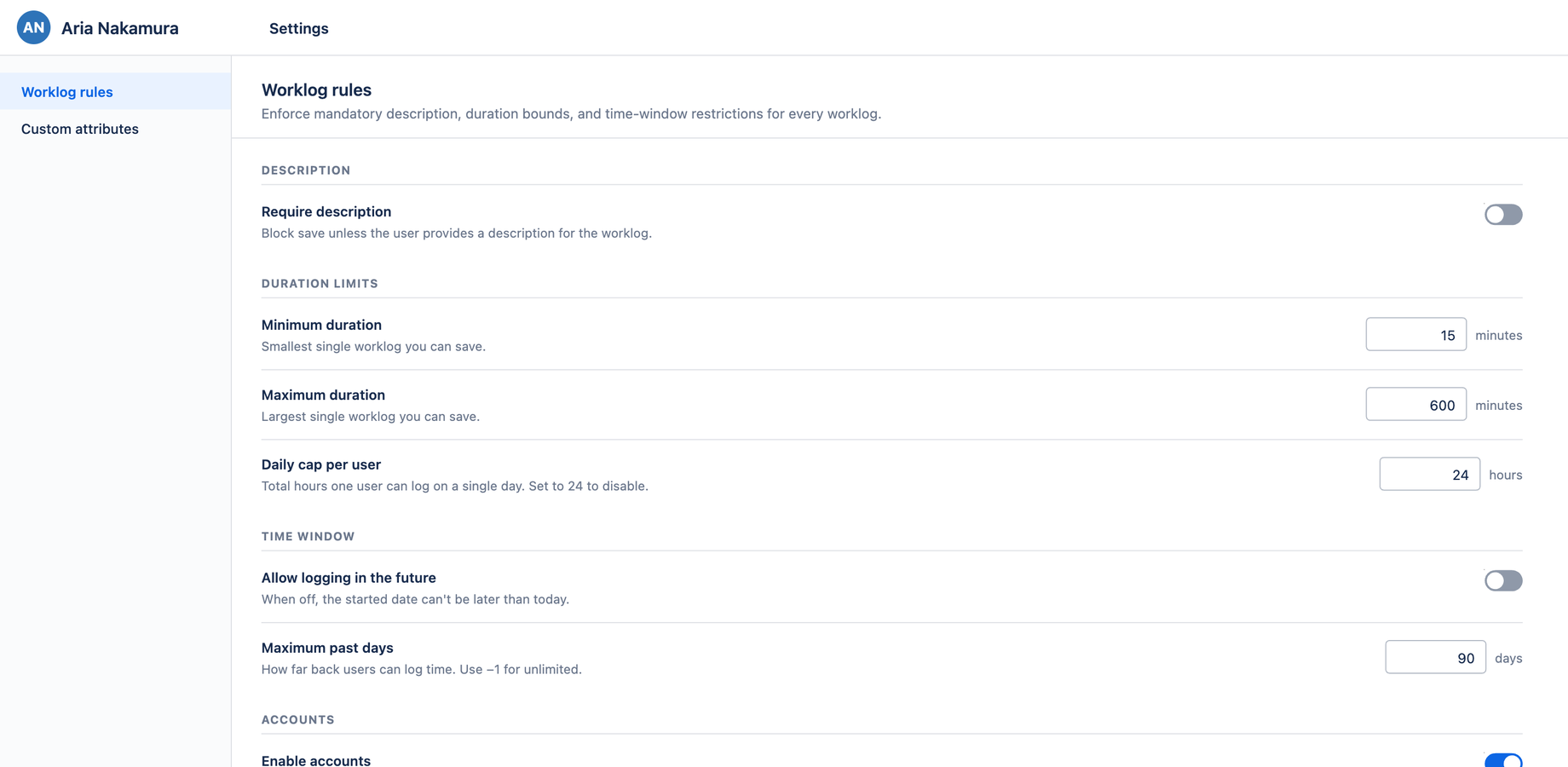
The rules
| Rule | What it does |
|---|---|
| Require description | When on, a worklog can't be saved without a description |
| Minimum duration | The smallest allowed worklog length |
| Maximum duration | The largest allowed single worklog |
| Daily cap per user | The most a person can log in one day. Set to 24 to disable. |
| Allow logging in the future | When off, worklogs can't be dated after today |
| Maximum past days | How far back time can be logged. Use −1 for unlimited. |
Each rule is a row with a title, helper text, and a control on the right. Number inputs show their unit (minutes, hours, days).
These rules are enforced on save across every surface — the calendar, the Log Work dialog, drag and resize, and the issue panel — so the constraints hold no matter how time is entered.
Autosave
Settings has no Save button. Changes are written automatically as you make them, with a brief ✓ Saved confirmation. This matches modern Atlassian admin pages and keeps configuration lightweight.